To add merchandise, donations, or guests to your registration, follow these simple instructions:
1. Find your registration confirmation email.

2. Click the link at the bottom that says Set Up Account Now.

3. Enter email address, and click Send Magic Link.

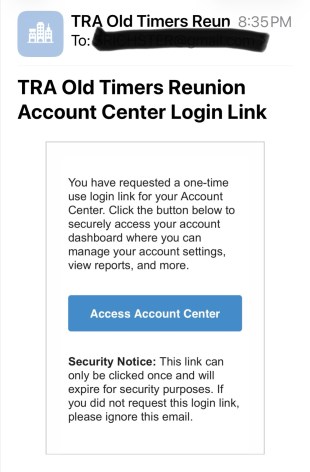
4. Go back to your email and find the new message with a link to Access Account Center.
5. On your personal page, select View Registrations.

6. On the Registrations page, go to this year’s registration, and click on the pencil. Your name will appear as a drop down; click on your name.

7. Make your desired changes to your registration. You can add guests, donations, or merch. You cannot remove anything you’ve already paid for.
8. Scroll to the bottom and click Submit!
If you still need help, email prereg@otr.org to request further assistance.